Step 1
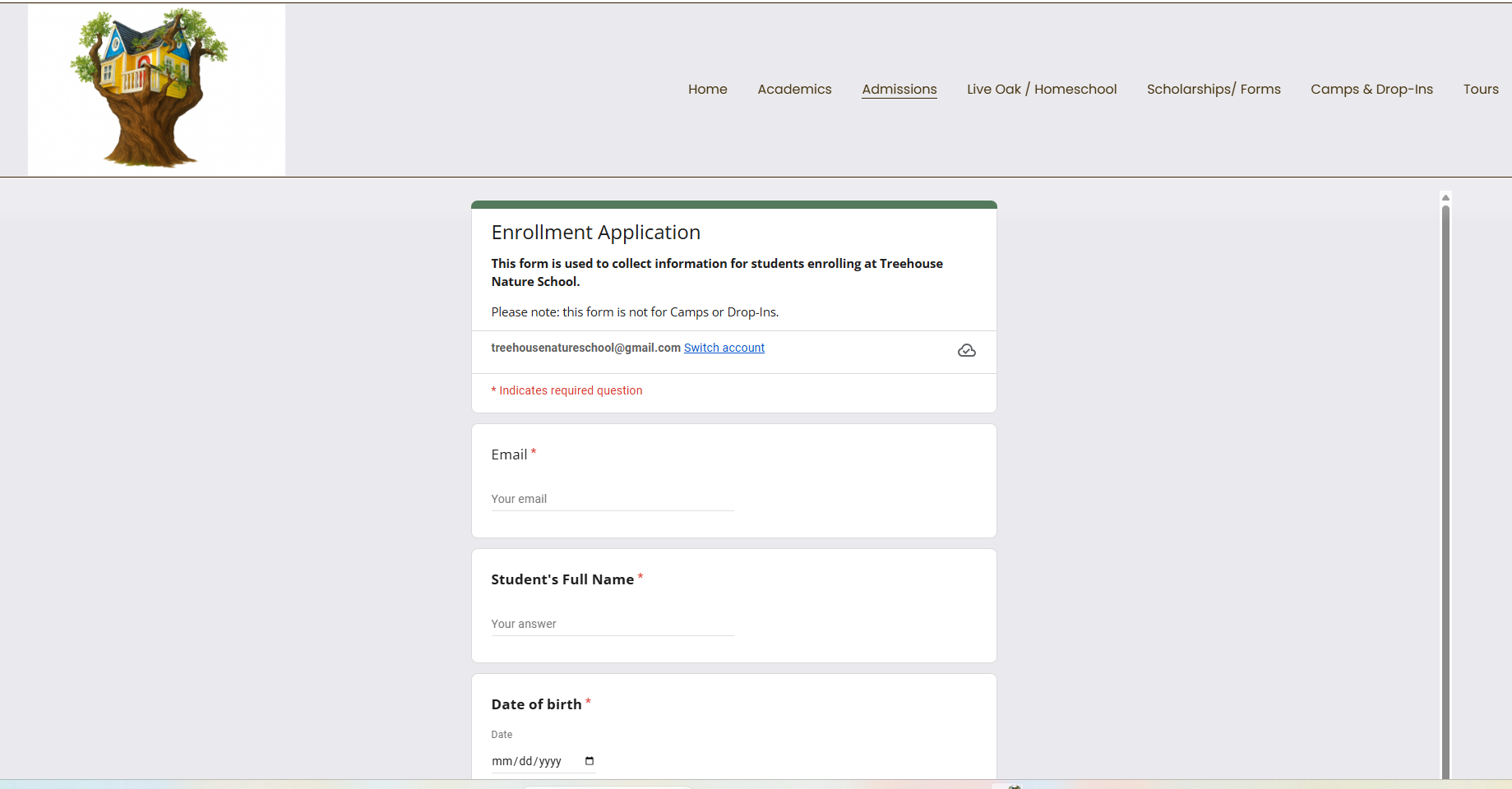
Click: For the Updated Enrollment Application
Also, conveniently located on the main navigation under Admissions → Enrollment Application.
Step 2
-
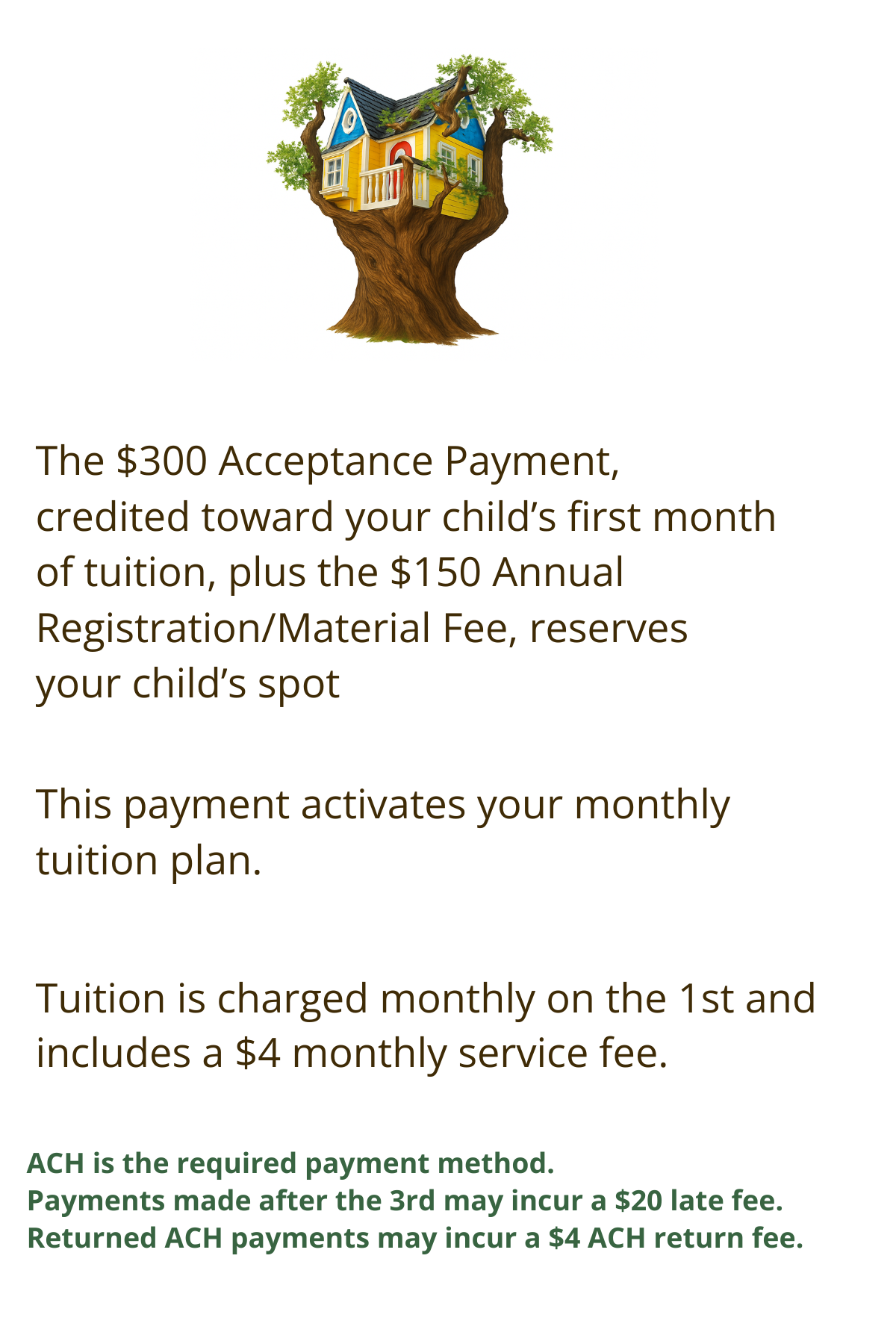
Tuition begins during your selected start month.
Once you paid these fees using the yellow button, it creates your portal in the payment system.
That allows us to attach your tuition to that portal without any additional action required from you.
-
Please choose Instant Verification and select your bank from the list when entering ACH information. Manual entry requires micro-deposit verification and may delay payment setup for several business days.
Step 3
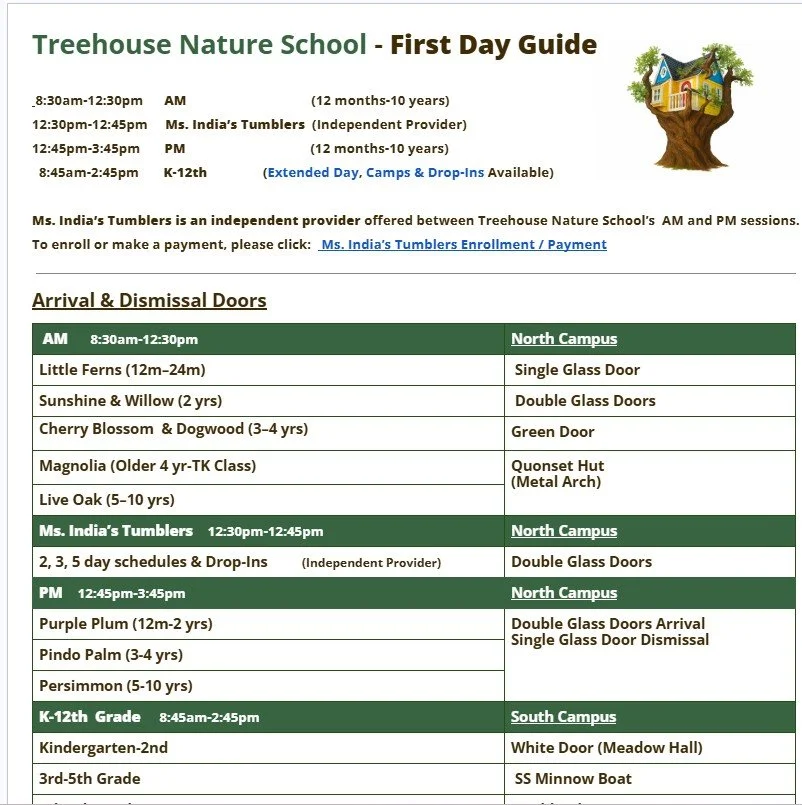
Click: To read over the First Day Guide
Also, conveniently located on the main navigation under Admission→Step by Step→Step 5
Step 4
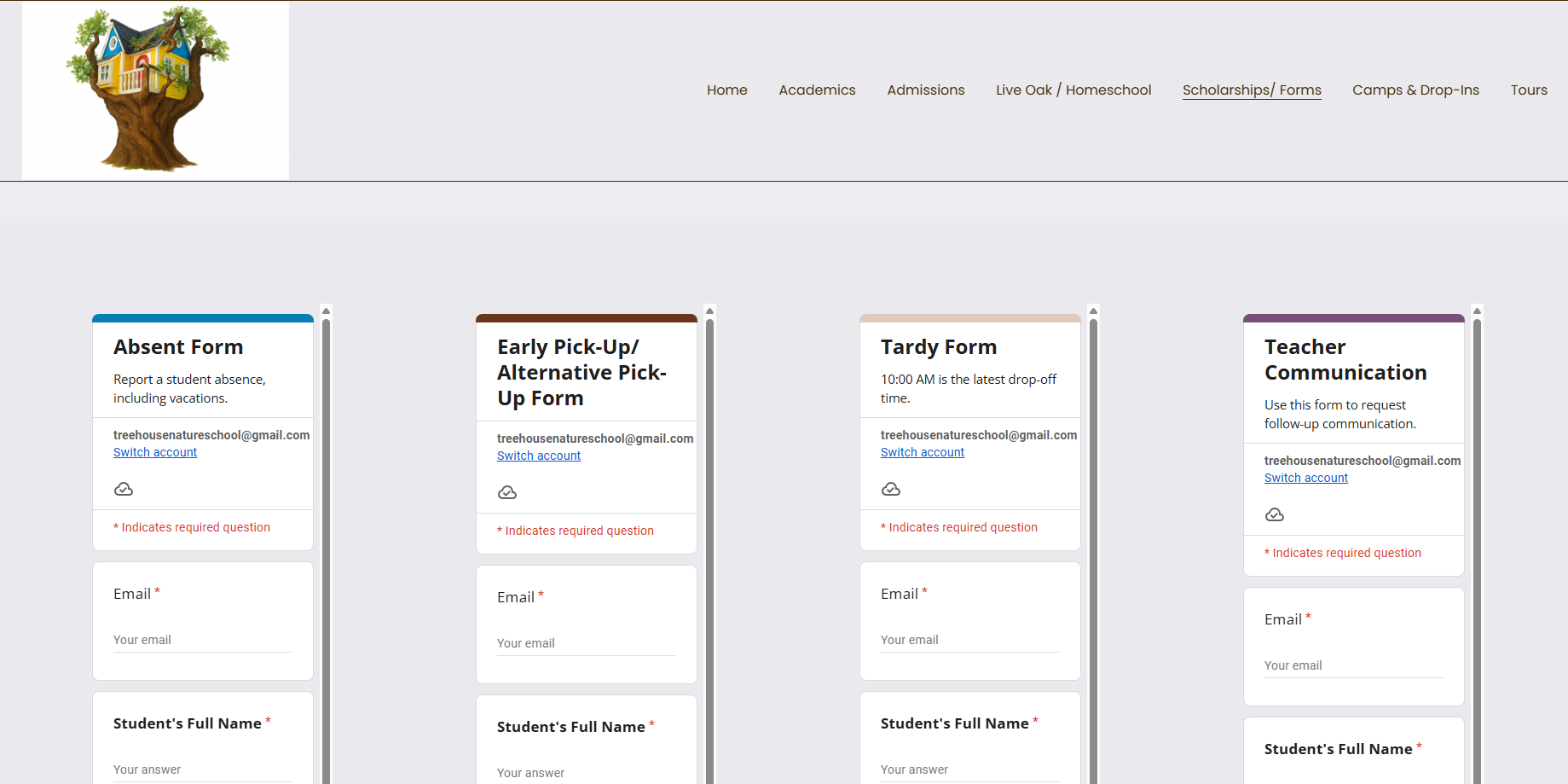
Click: To submit School Forms
Absent Form
Early Pick-Up/ Alternative Pick-Up
Tardy
Teacher Communication
Also, conveniently located on the main navigation under Scholarships → Forms
Step 5
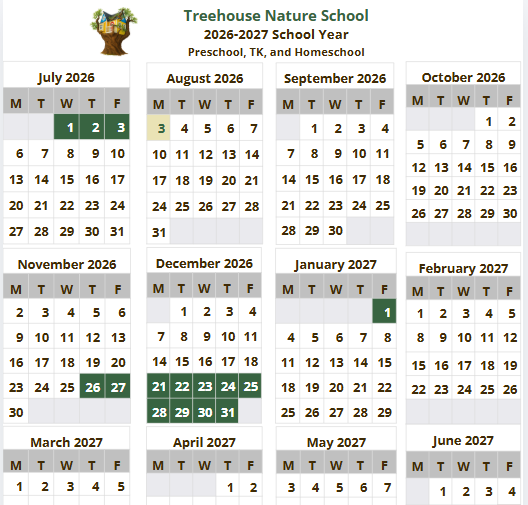
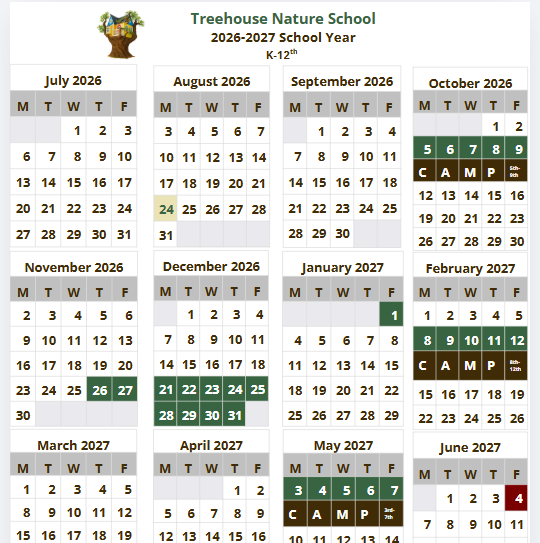
Review the 2026–2027 School Calendar
Click below to view the calendars:
Calendars are also conveniently located under each class grade page.